英国大学生书桌改造DIY(2021版) | 伦敦国王学院 |
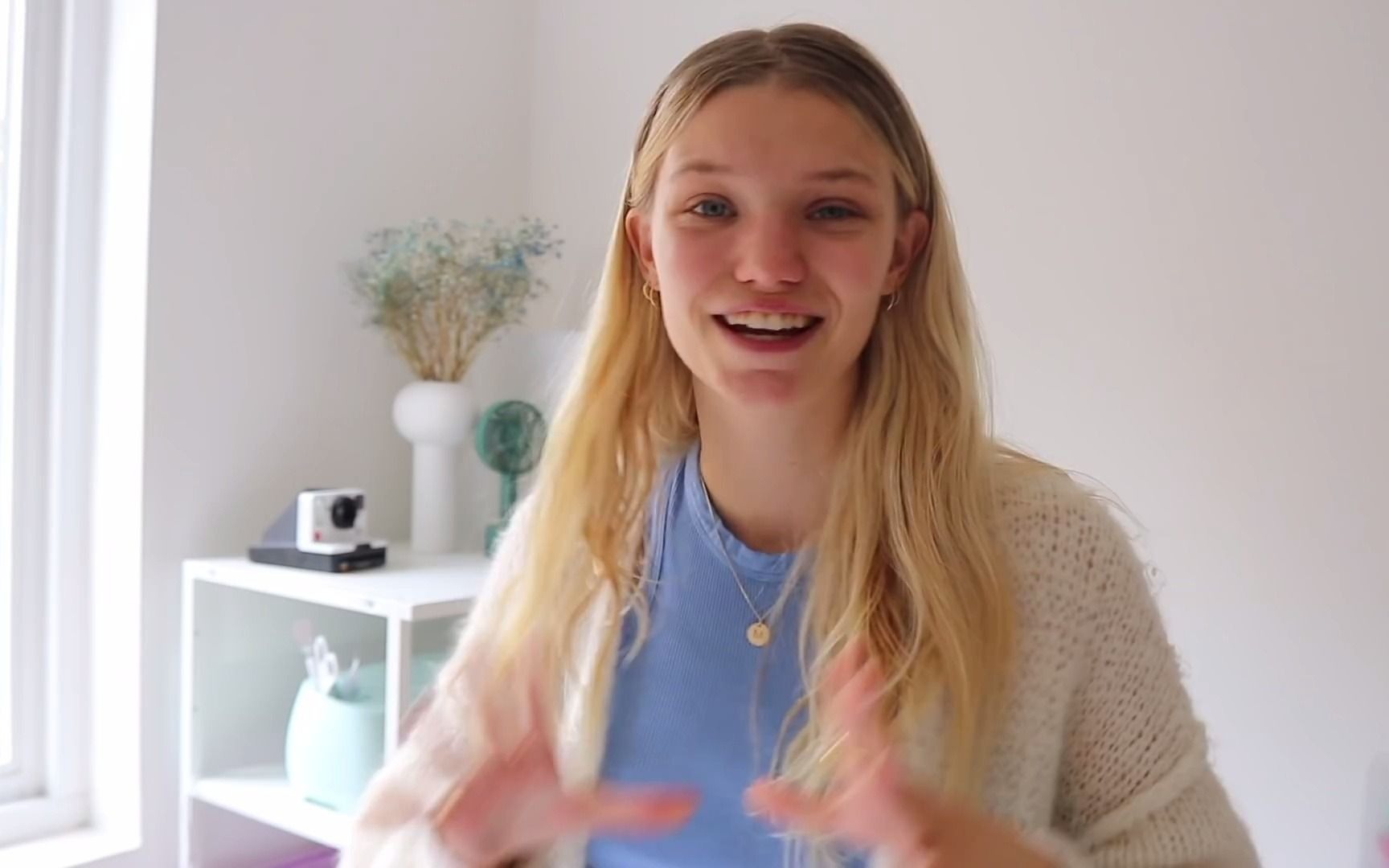
字幕摘录
| 时间 | 英文 | 中文 |
|---|---|---|
| 0:19 | Hello everyone, I haven't actually been talking to you guys like in my actual room not just | 各位好,我还没跟你们说话呢 就像我的房间一样 |
| 0:23 | the kitchen or school in a very long time so welcome back to the bedroom and also my | 在很长的一段时间里 厨房或学校 欢迎回到卧室 还有我的 |
| 0:28 | workspace. | 工作空间。 |
| 0:28 | Speaking of workspace, today we are going to be redoing my entire workspace. | 说到工作空间,今天我们将重新做我整个工作空间。 |
| 0:32 | It is my third year of uni and I've been using my workspace a little bit throughout | 这是我大学三年级的时候,我一直在利用我的工作空间 |
| 0:36 | the past year but it is in desperate need of a little makeover. | 过去的一年 但它迫切需要 一点点的改变。 |
| 0:39 | The current state of it is not amazing so I think it's time for a little makeover. | 目前的状况并不令人惊奇 所以我觉得是时候换衣服了 |
| 0:43 | 这段视频由Cricut赞助, 老实说,我的Cricut Explore 3是这么棒的 | |
| 0:48 | addition in this whole makeover. | 加上这整个化妆。 |
| 0:49 | The Cricut Explore 3 machine can cut over 100 materials from vinyl to cardstock paper | Cricute Explore 3 机器可以把100多件材料从乙烯纸切成纸 |
展开字幕全文(139 条)
| 序号 | 英文 | 中文 |
|---|---|---|
| 1 | Hello everyone, I haven't actually been talking to you guys like in my actual room not just | 各位好,我还没跟你们说话呢 就像我的房间一样 |
| 2 | the kitchen or school in a very long time so welcome back to the bedroom and also my | 在很长的一段时间里 厨房或学校 欢迎回到卧室 还有我的 |
| 3 | workspace. | 工作空间。 |
| 4 | Speaking of workspace, today we are going to be redoing my entire workspace. | 说到工作空间,今天我们将重新做我整个工作空间。 |
| 5 | It is my third year of uni and I've been using my workspace a little bit throughout | 这是我大学三年级的时候,我一直在利用我的工作空间 |
| 6 | the past year but it is in desperate need of a little makeover. | 过去的一年 但它迫切需要 一点点的改变。 |
| 7 | The current state of it is not amazing so I think it's time for a little makeover. | 目前的状况并不令人惊奇 所以我觉得是时候换衣服了 |
| 8 | 这段视频由Cricut赞助, 老实说,我的Cricut Explore 3是这么棒的 | |
| 9 | addition in this whole makeover. | 加上这整个化妆。 |
| 10 | The Cricut Explore 3 machine can cut over 100 materials from vinyl to cardstock paper | Cricute Explore 3 机器可以把100多件材料从乙烯纸切成纸 |
| 11 | to glitter paper to iron ons for fabric and even thin leather but in this video I'm specifically | 光滑的纸到铁的布料 甚至薄的皮革, 但在这个视频中,我特别 |
| 12 | and cardstock sticky paper to create DIYs that I know you guys will love. | 和卡片粘纸 创建DIYs 我知道你们会喜欢的。 |
| 13 | The Cricut is literally involved in like every single part of this entire video from labelling | Cricut在字面上参与了 整个视频的每一部分 从标签 |
| 14 | to making stickers for my computer to decorating my walls with wall art. | 用墙壁艺术装饰我的墙壁 |
| 15 | It's just such a great tool to have because it is so versatile. | 它是一个伟大的工具 因为它是如此多才多艺。 |
| 16 | Yes, I'll be showing a selection of DIYs with you here today but there's literally an infinite | 是的,我今天会在这里展示一些DIYs 但实际上有无限 |
| 17 | number of projects you can create with this machine. | 您可以使用此机器创建的工程数。 |
| 18 | So yeah with the amount of materials possible to use with this machine and the almost infinite | 因此,是的,数量 可能使用的材料 这机器和几乎无限 |
| 19 | number of projects you can create with this from personal gifting to labelling and home | 从个人赠品到标签和家 |
| 20 | decor I think it's truly worth the investment. | 我觉得这真的值得投资 |
| 21 | With that further ado let's take it back to the first day of this little workspace makeover. | 有了这个进一步的任务 让我们把它带回 第一天这个小工作空间的改造。 |
| 22 | So the first part of this makeover was getting new furniture and organization items for my | 所以这个化妆品的第一部分 是给我买新的家具和组织用品 |
| 23 | workspace and the first thing I got was this new shelving unit to organize a lot of my | 工作空间,我得到的第一件事 是这个新的雪橇单位 组织我的许多 |
| 24 | books, folders, my Cricut machine as it applies as well as to decorate the area just a little. | 书籍,文件夹,我的Cricut机器 应用,以及装饰 面积只是一点点。 |
| 25 | Good morning everyone. | 大家早上好,你们好 |
| 26 | Today we're going to be doing the majority of the workspace work. | 今天我们要做大部分的工作 |
| 27 | We're going to be shopping a little bit for some organization stuff. | 我们要买些组织的东西 |
| 28 | I've literally just been collecting all of my pens here in this and this box and obviously | 我从字面上开始收集我所有的笔 在这里和这个盒子,显然 |
| 29 | here. | 在这里。 |
| 30 | So I need to find some way to organize all my pens because my mom brought all of them | 所以我得想办法整理一下我的笔 因为我妈妈带来了所有的笔 |
| 31 | here and then also I need to sort out how to organize my notebooks and my folders for | 在这里,我还需要 整理我的笔记本和文件夹 |
| 32 | my notes basically. | 我的笔记基本上。 |
| 33 | A lot of stuff. | 很多东西。 |
| 34 | So let's go out and shop for all that. | 我们出去买东西吧 |
| 35 | But we're all done with setting up the shelves. | 但我们都安排好了货架 |
| 36 | I'm super happy about how it looks but we're still missing something. | 我超开心的,它是什么样子 但我们仍然缺少的东西。 |
| 37 | Let me quickly take you back to yesterday when I got this in the mail. | 让我尽快把你带回昨天的邮件里 |
| 38 | I got this massive package from Cricut which is the sponsor of today's video so let's do | 我从Cricut那里拿到一个大包 也就是今天的视频的赞助商 所以让我们开始吧 |
| 39 | a little unboxing shall we? | 来点解拳? |
| 40 | Yesterday after unboxing I set up the machine and it was actually surprisingly easy allowing | 昨天拆箱后 我安装了这台机器 其实很轻松 |
| 41 | me to get up and running with the UIS super quickly. | 我和UIS一起跑得很快 |
| 42 | Also the fact that you can use Cricut Design Space on both desktop and mobile enables me | 而且,你可以使用 Cricut Design Space 无论是在桌面上还是在移动上,都让我 |
| 43 | to design and make from anywhere super quickly and easily. | 设计并制造 从任何地方 超级快速和容易。 |
| 44 | Yesterday I was designing posters and stickers on my bed and in the living room just relaxing | 昨天我在床上和客厅设计海报和贴纸 |
| 45 | having a little chill session. | 有点冷淡 |
| 46 | So that was very convenient. | 所以这是非常方便的。 |
| 47 | So I have tons of projects planned for my Cricut in this video. | 我在这段视频里为我的Cricut计划了很多项目。 |
| 48 | The first one is to create labels for all the boxes and organization that I put in | 第一个是给所有盒子和组织 做标签 |
| 49 | these shelves. | 这些架子。 |
| 50 | I want to label this giant folder but also the mini folders for each of my subjects here | 我想给这个大文件夹贴上标签 还要给我每个对象贴上迷你文件夹 |
| 51 | and I want to label my crates. | 我想给箱子贴标签 |
| 52 | These ones. | 这些 |
| 53 | So let me show you how I'm using my Cricut machine to create some labels. | 让我告诉你我如何使用我的Cricut机器 来创建一些标签。 |
| 54 | Creating labels with Cricut was actually super simple. | 用Cricut创建标签其实是超简单的. |
| 55 | First I went into the Cricut Design Space, I added text, changed the font to my current | 首先我进入了Cricut设计空间,我加入了文字,把字体改成了我的当前 |
| 56 | favorite and then scaled the text size down to 9. | 最爱,然后将文本大小缩放到9。 |
| 57 | I wrote the name of my module, duplicated the text, then I clicked make it and without | 我写了模块的名字,复制了文本,然后点击它,没有 |
| 58 | map and select the type of material I would be using, which is smart vinyl permanent. | 绘制地图并选择我使用的材料类型, 即智能乙烯永久。 |
| 59 | Finally I loaded my black vinyl, pressed the go button and watched my Cricut create | 最后我装上了黑色的阴道,按下按键,并看我的Cricut创造 |
| 60 | my labels. | 我的标签。 |
| 61 | This is so cool to watch. | 这太酷了 |
| 62 | Once the cutting was done, I peeled the excess vinyl paper and removed the small excess | 剪完后,我剥了多余的乙烯纸,把小多余的去掉 |
| 63 | pieces of vinyl from inside some of the letters. | 一些字母里面的维尼 |
| 64 | 然后用Cricut传输磁带和Cricut Scraper, 我把标签转到了 | |
| 65 | my module folders. | 我的模块文件夹。 |
| 66 | I also created a bigger label for my module folder's folders. | 我还为我的模块文件夹创建了更大的标签. |
| 67 | Yeah, that's what I'm calling it for now. | 是啊,这就是我现在叫它。 |
| 68 | And finally I labeled my colorful crates with the same font and size. | 最后我用相同的字体和大小 标记了我的多彩的箱子。 |
| 69 | So I thought long and hard about what I wanted to place this desk or work with what I had | 所以我想了很久,很努力地想 我想把桌子或工作 |
| 70 | already and just tried to change the color of it. | 已经尝试改变它的颜色。 |
| 71 | So I chose the second option and I got this film. | 所以我选择了第二种选择,我得到了这部电影。 |
| 72 | So we're just going to be putting that on. | 所以我们要穿上它。 |
| 73 | I love my desk, but I think it's just too dark. | 我喜欢我的桌子,但我觉得太黑了。 |
| 74 | Like, as you can tell, it doesn't make sense that it's just the dark area in this room. | 就像,你可以看到, 它不合理 它只是这个房间的黑暗区域。 |
| 75 | So we're going to make it white wood. | 故以白木为 make. |
| 76 | I got this to organize all my pens, as you guys saw, I have a lot. | 我得到了这个来整理我的笔, 正如你们看到,我有很多。 |
| 77 | So let's fill this thing up with pens. | 让我们用笔来填满它。 |
| 78 | So after I organized my pens, I realized I should probably label each compartment so | 所以我整理好笔后 我意识到应该给每个隔间贴上标签 |
| 79 | each brand and type of pen is easier to find. | 每个品牌和笔型都比较容易找到. |
| 80 | And I did this the exact same way as before with my Cricut machine, only using white smart | 我用我的Cricut机 和以前一样,只用白色的智能 |
| 81 | vinyl instead. | 取而代之的是维尼. |
| 82 | My laptop is a big part of my workspace, so I decided to use my Cricut machine to make | 我的笔记本电脑是我工作空间的一大部分 所以我决定用我的Cricut机器制作 |
| 83 | some new custom-made stickers for it. | 一些新定制的贴纸 |
| 84 | First, I created some designs, including this rainbow in four different colors. | 首先,我创造了一些设计, 包括这四色彩虹。 |
| 85 | I then went into the Cricut design space, uploaded my image and added each color of | 然后我进入了Cricut设计空间,上传了我的图像,并添加了各种颜色 |
| 86 | the rainbow separately. | 彩虹分开。 |
| 87 | Once all that was added, I used the cut function to change the color the Cricut should be cutting | 一旦全部添加完,我用剪切功能 来改变剪切的颜色 |
| 88 | for each part of the sticker, as you can tell. | 贴纸的每个部分,你可以看到。 |
| 89 | I also created a few other sticker designs and I added them into Cricut the same way. | 我还制作了一些其他的贴纸设计,我用同样的方式加入了Cricut. |
| 90 | Finally, I pushed the make it button and clicked without matte. | 最后,我按下按钮,点击时没有马提. |
| 91 | I used four of the colors from my pastel smart sticker cardstock and I love all of these | 我用了我贴纸上的四种颜色 我喜欢这些 |
| 92 | together. | 一起来 |
| 93 | Once the cutting was done, I easily peeled the sticker pieces off through different cardstock | 剪完之后,我很容易把贴纸从不同的纸盘上剥下来 |
| 94 | colors and then I assembled the stickers together and finally attached them to my laptop. | 颜色,然后我组装了贴纸 最后把它们附在我的笔记本电脑上。 |
| 95 | I don't know if you guys ever realized this, but I have these rolling shelves, I don't | 我不知道你们有没有意识到这一点, 但我有这些滚动的架子,我不知道 |
| 96 | know what to call it. | 知道该怎么称呼它。 |
| 97 | I want to keep using it because I think it really fits in with everything in the back | 我想继续使用它,因为我觉得它真的适合 后面的一切 |
| 98 | currently with the desk legs being black. | 现在桌子上的腿是黑色的 |
| 99 | I think this looks perfect in the room. | 我认为这看起来很完美 在房间里。 |
| 100 | So I want to use it, but I did use up most of the stuff that was previously in this in | 所以我想用它, 但我确实用光了 大部分以前的东西在这里 |
| 101 | the shelves. | 书架。 |
| 102 | So what I decided to do is put in all my camera equipment, which is actually quite a lot. | 所以我决定把相机设备都放进去, 这非常多。 |
| 103 | 多年从事YouTube工作. | |
| 104 | I'm going to put cameras on top and then tripods and stands at the bottom. | 我要把摄像机放在顶部 然后三脚架放在底部 |
| 105 | Chargers also at the bottom. | 充电器也在底部 |
| 106 | It's the final day of this desk makeover. | 今天是更换桌子的最后一天 |
| 107 | I've been doing this desk makeover for like two weeks now, so I'm super excited to finish. | 我做了这个办公桌的更换 大约两个星期了, 所以我非常兴奋 完成。 |
| 108 | We are going to be decorating. | 我们要装饰。 |
| 109 | Oh, I just pitched myself. | 哦,我刚刚投注我自己。 |
| 110 | We're going to be finishing the wall today. | 我们今天要完成墙壁。 |
| 111 | As you can tell, it does kind of look like there's something missing here. | 正如你所知道的那样,它确实看起来有点像这里漏了什么。 |
| 112 | So I really want to create some full decor for my desk. | 所以我真的想为我的办公桌创造一些完整的装饰。 |
| 113 | Actually bought some cute posters from University of Arts in London. | 实际上从伦敦艺术大学买了一些可爱的海报. |
| 114 | So I'll be hanging up some of those posters, but I'm also going to be making some of my | 所以我会挂一些海报, 但我也会做一些我的 |
| 115 | 使用我的Cricut机器。 | |
| 116 | So let's get started. | 因此,让我们开始。 |
| 117 | I actually created this design on my iPad last night in my couch. | 我昨晚用我的iPad在沙发上创造了这个设计。 |
| 118 | I basically just outlined a lemon and added a little text quote in white. | 我基本上只是概括了一个柠檬 并添加了一个小文字引文 在白色。 |
| 119 | I then uploaded the image to Cricut and using the remove tool, I removed the background | 然后,我把图像上传到Cricut,使用删除工具,我删除了背景 |
| 120 | and all the white text so that my Cricut would essentially be cutting the yellow parts of | 和所有的白文本 这样我的Cricut 基本上将切割黄色的部分 |
| 121 | my design onto yellow cardstock. | 我的设计在黄牌股票。 |
| 122 | Finally, I pushed the make it button, added my smart paper sticker cardstock and watched | 最后,我按下按钮,加了纸贴纸卡片,看着 |
| 123 | the cutting begin. | 切割开始。 |
| 124 | Once all that was done, I removed the cutout letters and excess paper and then attached | 完成这一切后,我把剪掉的字母和多余的纸张 都取走了,然后附着 |
| 125 | my design onto some white cardstock. | 我的设计在白牌股票。 |
| 126 | And voila, that's the poster. | 这是海报 |
| 127 | Because I'm renting this flat, I'm not going to be hammering anything on the walls. | 因为我租了这间公寓 我不会在墙上敲锤子 |
| 128 | I'm just going to be using some command strips to attach the images to the wall. | 我只是要用一些命令条来将图像附在墙上. |
| 129 | But first we need to figure out where I should hang them. | 但首先我们需要找出我该挂在哪里 |
| 130 | Cute. | 可爱 |
| 131 | Okay, I like how it looks. | 好吧,我喜欢它的样子。 |
| 132 | Alright guys, what do you think? | 好吧,你们觉得怎么样? |
| 133 | I honestly couldn't be happier with the result of this workspace makeover. | 工作空间的改造结果让我很难过 |
| 134 | I really, really loved how everything turned out and I'm so happy about it. | 我真的,真的很爱 一切结果出来,我很快乐。 |
| 135 | And I hope you did too. | 我希望你也这样做。 |
| 136 | If you like the result of this makeover, then make sure to give this video a thumbs up and | 如果你喜欢这个改头换面的结果, 那一定要给这个视频一个拇指, |
| 137 | I will see you guys in my next video. | 我会在下一个视频中看到你们。 |
| 138 | Bye everyone! | 再见! |
| 139 | Peace! | 安静! |
该视频共有字幕 140 条。解锁更多字幕为会员功能,请移动到 价格